Actual Real World Drone Projects
If you're looking to expand your earnings in your own drone business, this course series may be of help. We take actual real world projects in this class to show you the types of jobs you can get. Construction Progression jobs, Infrastructure projects, Residential Real Estate Projects. Students are brought through active and completed projects, and we share what it took.
Welcome To WebODM For Beginners
Thanks for stopping by to check out AZ Drone's Newest Course In 2022. Let me tell you a little more about this class.....
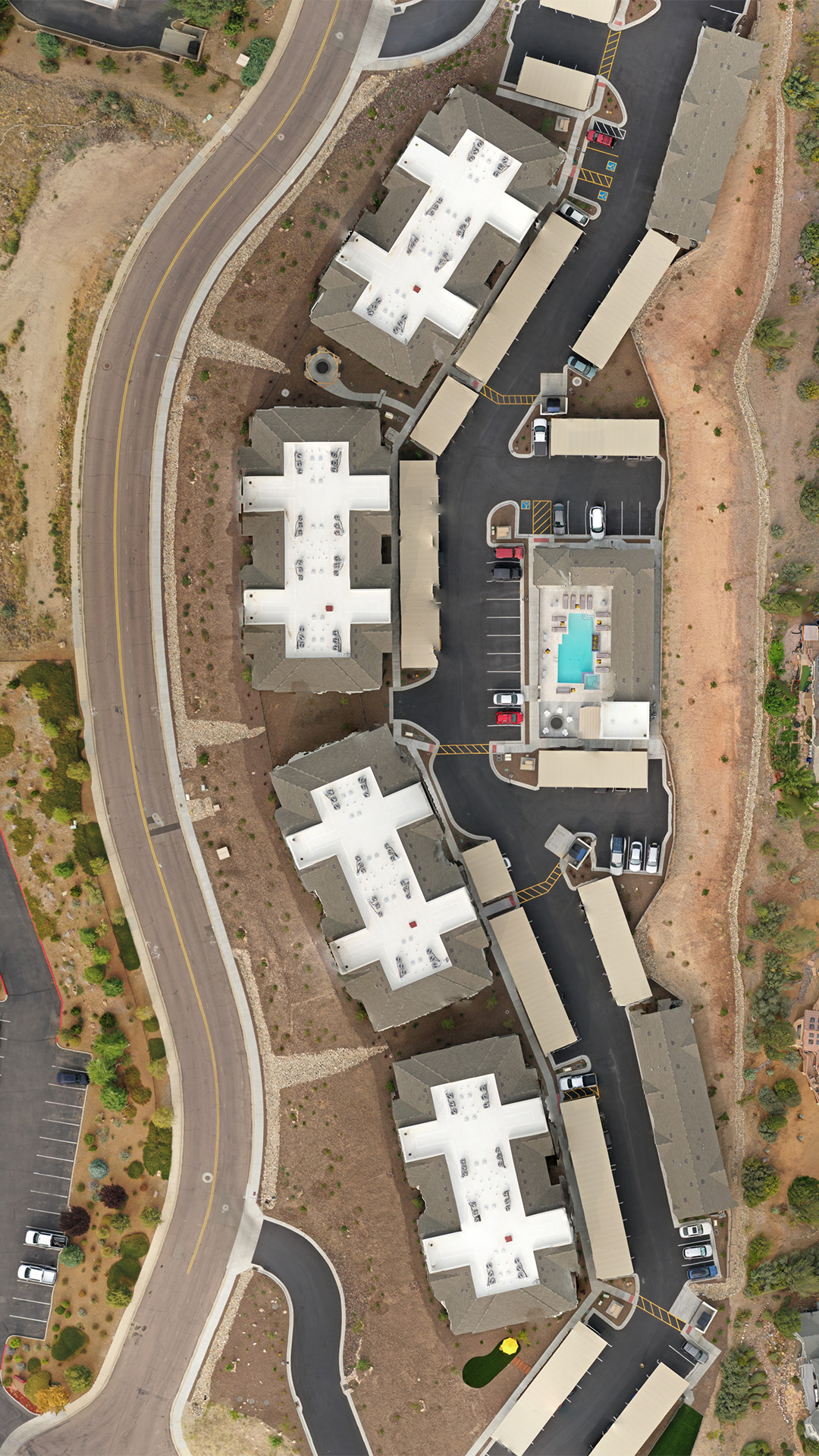
Welcome to WebODM for beginners! A low cost drone modeling solution.
For drone pilots aspiring to add mapping and modeling to their aerial skill sets, often the modeling software proves to be too much of a road block. From $100 per month to thousands of dollars per year, cloud and desktop modeling can get expensive quickly.
Fortunately there is another solution for drone operators on a budget. WebODM, an Open Source modeling application, could be the stepping stone into the world of modeling with drones.
WebODM (Open Drone Mapping) offers a free desktop solution for Windows, Mac, and Linux. Of course, installing the free version takes a little command line knowledge. For those who want an easy installation on Windows or Mac, there is an installer available from WebODM that costs $57 at the time of posting this course.
What will students learn about in this course?
- What WebODM is all about. Open Source Drone Mapping
- Installation of WebODM on Windows or Mac with the available installer for $57
- Setting up your system to get the most out of WebODM
- Running a 2D / 3D model with your own flight data.
- Setting up a small model.
- Setting your own modeling options.
- Exporting data such as GeoTiffs, Point Clouds, Digital Elevation Models, and more.
- Working with the WebODM interface.
- Measurements, Volumetric Analysis, Model Fine Tuning, and more.
Enroll in the class today
FREE!
WebODM Beginners
A Beginners Guide To 2D and 3D Modeling With WebODM
A beginners guide to using WebODM (Open Drone Mapping). Generate 2D and 3D professional grade models with an open source application.
What's In The Class?
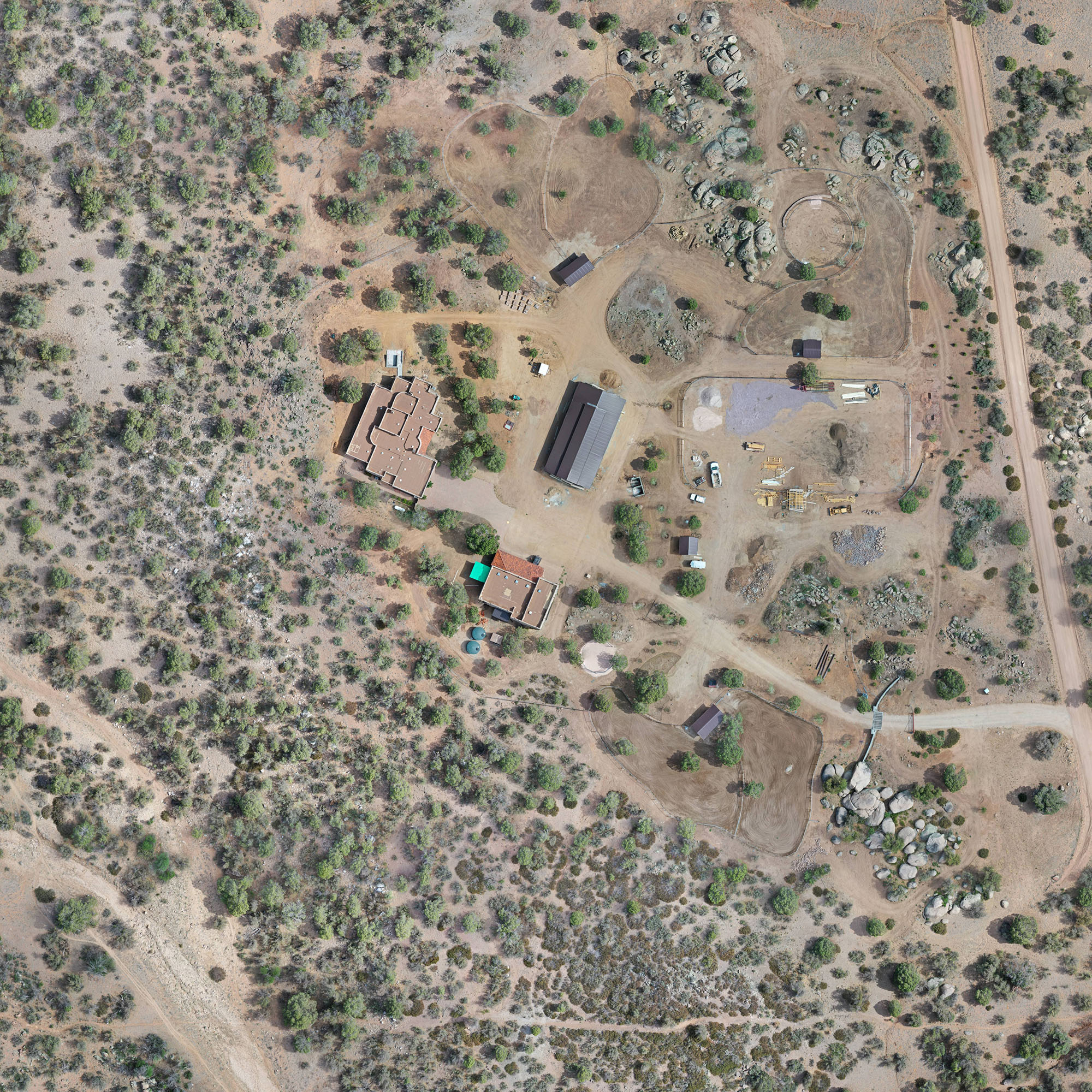
Build 2D Models From Drone Images
Looking to create Orthomosaic images? How about Digital Surface Models, or Digital Terrain Models. You can do that with WebODM
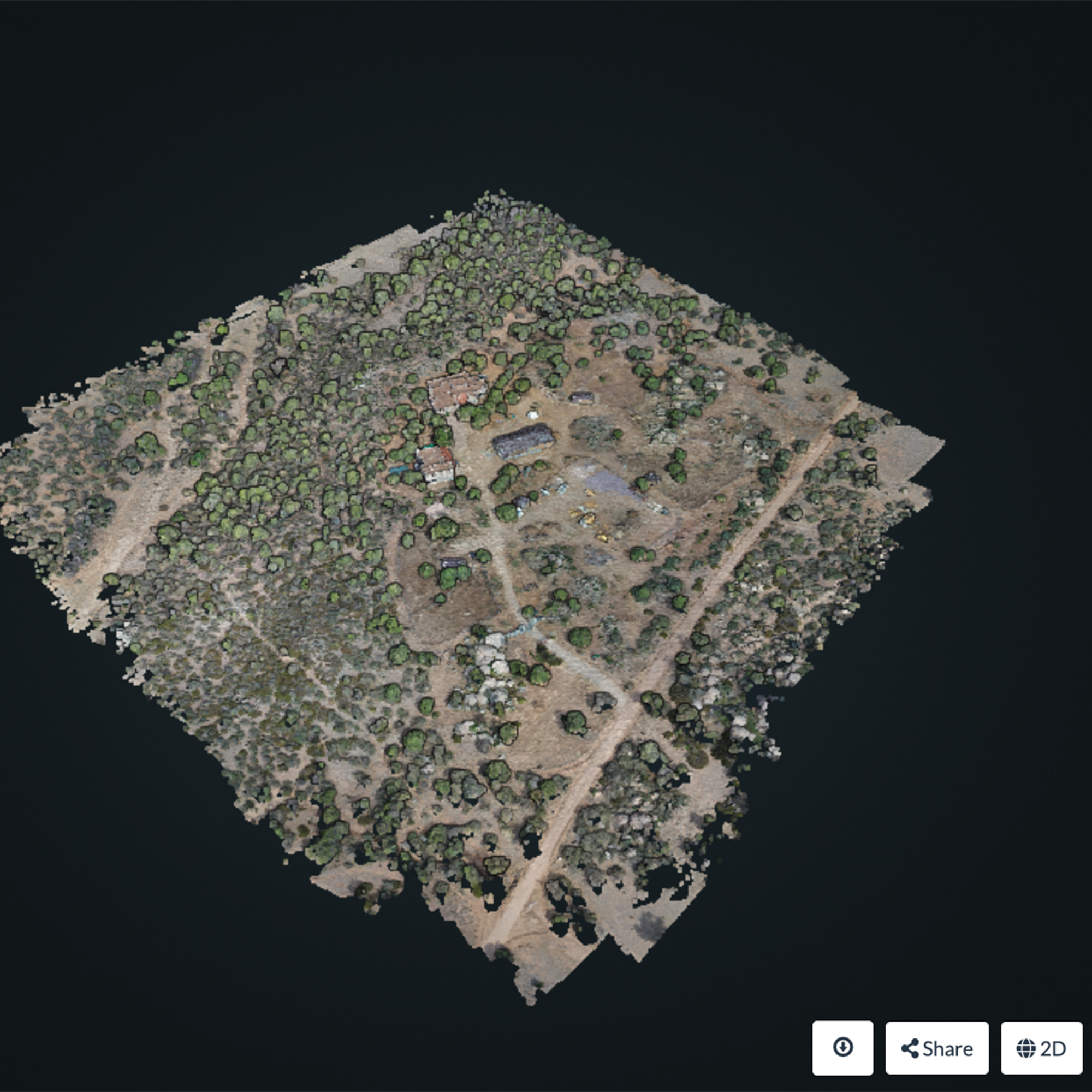
Build 3D Models From Drone Images
Process Drone Images into 3D Models easily. Created Dense Point Clouds, 3D Meshes, and 3D Textures as well. Then export your models to a number of online hosting services or directly to your clients.
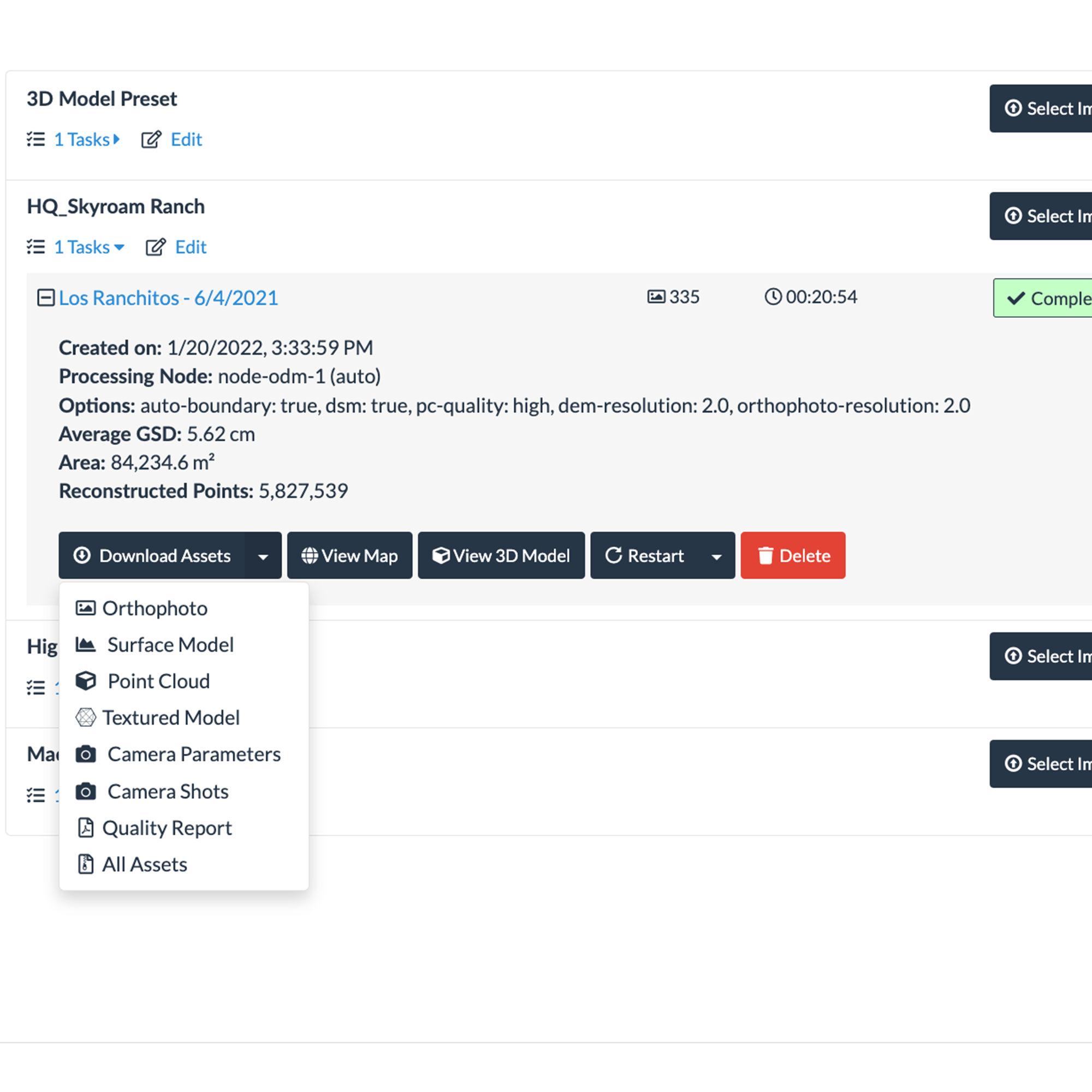
Generate Deliverables For Your Clients With Ease
Share Orthophotos, Surface Models, Point Clouds, Textured Models, Camera Parameters, Quality Reports, and more. Meet your client's drone modeling needs with ease.
Featured Products
Showcase other available courses, bundles, and coaching products you’re selling with the Featured Products block to provide alternatives to visitors who may not be interested in this specific product.
Let’s keep in touch
Subscribe to the mailing list and receive the latest updates