A Beginner's Guid To The M3E


This class covers DJI's Mavic 3 Enterprise. If you're new to this drone, it's a

member of DJI's Enterprise family, and the launching point for many commercial

applications.


This introductory course series covers the setup of the drone and controller,

simple mapping and modeling, and Waypoint Missions as well.


This course does not cover RTK setup or other advanced operations. Consider

this the "Getting Started" guide to the M3E.

Curriculum


1 Unboxing M3E

2 M3E Remote First Look

3 Connect Drone and Pilot 2 App

4 Installing Map Pilot Pro For Mavic 3 Enterprise

Official Class 1 - Course Intro

Official Class 2 - Accessing the RC

Official Class 3 - Pilot 2 App Interface

Official Class 4 - Setting up Map Missions

Official Class 5 - Setting up Waypoint Missions

Official Class 6 - Flying The M3E In Granite Dells

Official Class 6 Part 2 - Seeing Video and Stills

Official Class 7-1 - Waypoint Mission Field Issues.m4v

Official Class 7-2 - Waypoint Mission Field Issues

Official Class 7-3 - Litchi KML Import To Waypoint Mission In The Office

Official Class 8 - You Can Skip This Section

Official Class 8-1_Litchi Mission Hub

Official Class 8-2 - Import Flight Route And Update Settings

*BONUS* YouTube Litchi Mission KMZ Import And Flight

Official Class 9-1 Flying A Set Of Missions

Official Class 9-2 Modeling The Solstice Project

Official Class 9-3 Waypoint Video Flight

*BONUS* Solstice Map Flight M3E - The little problems add up

Official Class 10-1 Ortho Mapping Mission

Official Class 10-2 Smart Oblique Mapping Mission

Official Class 10-3 Executing The Oblique Misison

Official Class 11-1 Setting Up Still Waypoint Mission

Official Class 11-2 Executing Still Waypoint Mission

Official Class 12-1 Setting Up A Waypoint Video Mission

Choose a Pricing Option

$40

Mavic 3E Introduction

Beginners M3E

A class covering the Mavic 3 Enterprise. This is a beginners course for those new to the M3E and it's capabilities for commercial projects.
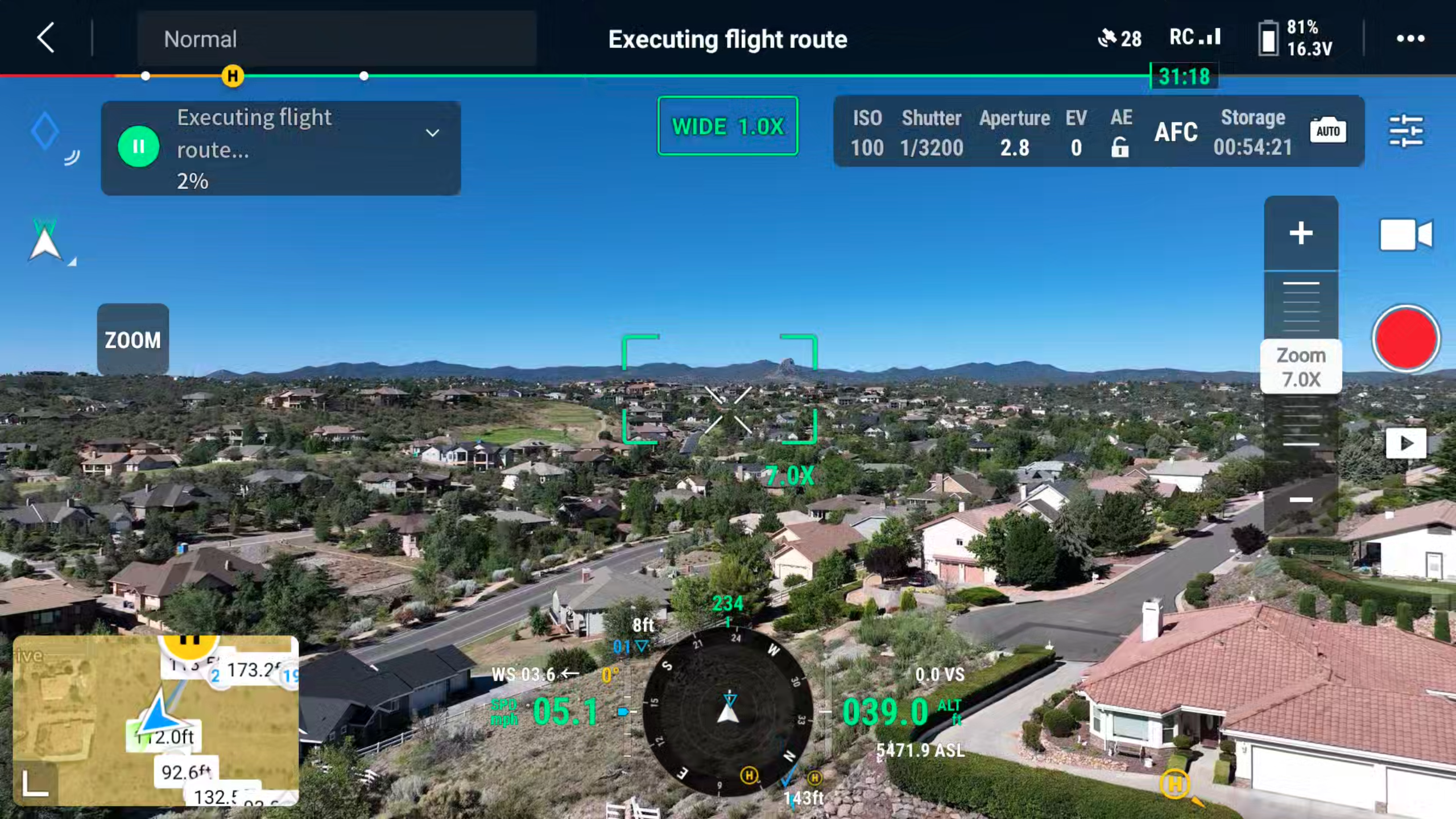
Image33

Remote Controller Intro & Setup


We'll check through all of our features and flight options when setting up the RC Pro
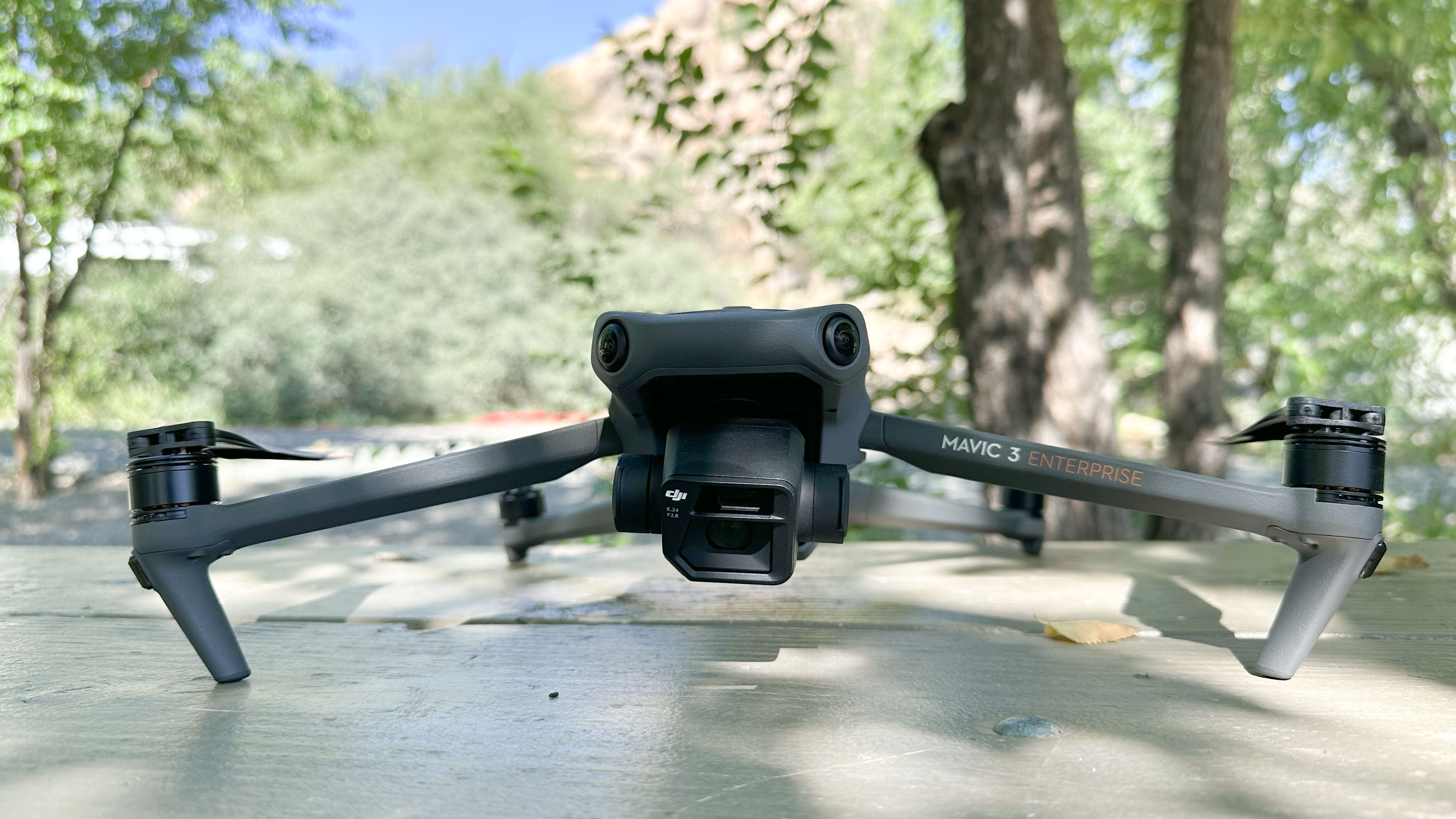
Image33

Mapping & Modeling Setup


This class will cover setting up flights for Maps and 3D Models
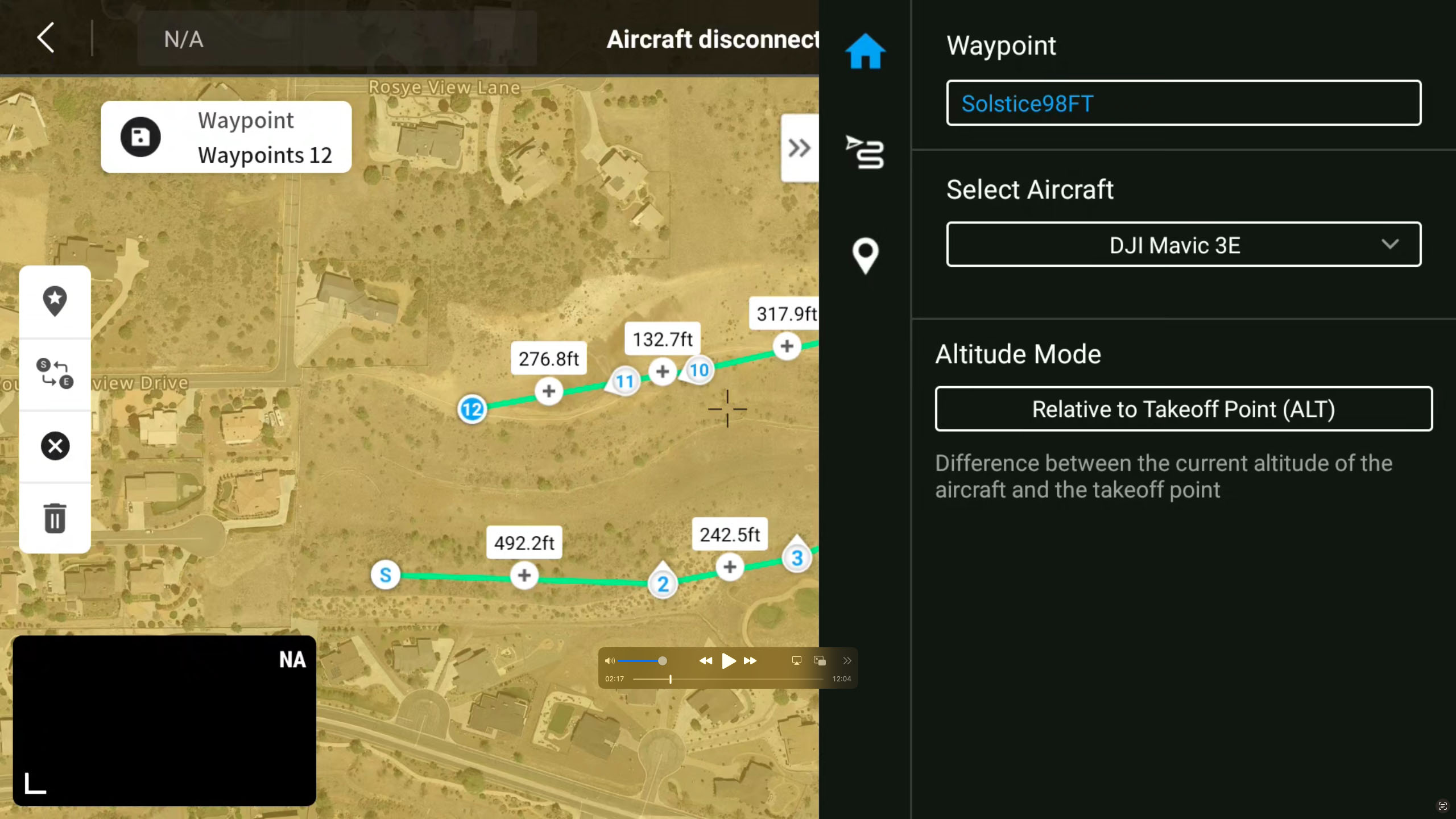
Image33

Waypoint Mission Planning


Need to create repeatable flights with the M3E? We'll walk through waypoint mission setup in the office, and on the job site.

Featured Products

Be sure to take a look at our other courses. We gear our classes toward new drone operators looking to grow their drone services business. Once you've gotten the basics down you'll be ready to start building your flight oriented business.

Let’s keep in touch

Subscribe to the mailing list and receive the latest updates

Made in FreshLearn